Best Employee Monitoring Software: 12 Tools Reviewed (2026)
Employee monitoring software records what happens on work devices and accounts: which applications and websites are used, for how long, when the person is active or idle, and, depending on the product and the settings, screenshots, screen video, keystrokes, files, email and location. The twelve tools below are the ones a US buyer keeps meeting, and they are not twelve versions of the same thing. Some are productivity analytics tools that refuse to log a keystroke; some are security products that record everything; most are time trackers that grew a monitoring layer. Buying the wrong kind is the most common mistake in this category.
I reviewed each against the same checklist: what it captures and how much of that is optional, which platforms it runs on, how it treats the employee, what the pricing published in October 2026 actually costs once minimums and add-ons are counted, how long it keeps data, and what users say about living with it. The first three are starting points for the three situations most buyers are in, the rest follow alphabetically, and every card ends with where the product falls short, because every one of them does somewhere.
Shortlist three for your situation
Six questions, three suggestions with the reason each made it. It is a filter from the fit rules in the cards below, not a verdict.
Scores combine your answers with each tool's fit; a tool with a hard conflict (no Linux agent when you need one, no on-premise when you must have it) drops out of the top three.
The 12 tools worth knowing
Three starting points, then nine alphabetically. The numbers are positions, not scores; a single ranking would hide the differences that matter.
If you want three to look at first: ActivTrak for productivity analytics with the least intrusion, Hubstaff for hourly and distributed teams that need time and payment in one place, Teramind when the problem is security rather than productivity.
ActivTrak
The most useful data with the least intrusion
See the detail
Hubstaff
Time, screenshots, GPS and payroll in one product
See the detail
Teramind
The deepest capture and the only real DLP here
See the detailThe rest, alphabetically:
- Controlio: recording and keystrokes at time-tracker prices.
- CurrentWare: control and reporting in one suite.
- DeskTime: the cheapest tool with scheduling built in.
- Insightful: location-aware productivity analytics.
- Kickidler: live screen viewing at the lowest price.
- Monitask: quick, cheap and adjustable screenshots.
- Time Champ: attendance, shifts and monitoring from $3.90 a seat.
- Time Doctor: remote-team time tracking with work-life balance reporting.
- Veriato: behavior-based risk scoring.
Comparison at a glance
Read the last column first. Pricing is what each vendor published in October 2026, per user per month on annual billing unless stated; minimums and add-ons are where the real cost hides.
| Tool | Positioned for | Pricing checked October 2026 | Where it falls short |
|---|---|---|---|
| ActivTrak | Productivity analytics without keystrokes | Free for up to 3 people (30-day retention); Work Activity Tracking $10, Workforce Management $15, Productivity Optimization $17, Workflow $21 per user per month, billed annually | No Linux agent, no keystroke logging; the best features start at $15 |
| Hubstaff | Remote and field teams that pay by the hour | Starter $4.99, Grow $7.50, Team $10, Enterprise $25 per seat per month billed annually ($7, $9 and $12 monthly); 2-seat minimum; 14-day trial | Activity scores reward input, not output; 2-seat minimum |
| Teramind | Security, compliance and insider risk | Starter $14, UAM $28, DLP $32 per seat per month billed annually ($15, $30, $35 monthly); 5-seat minimum; Enterprise by quote | 5-seat minimum, highest entry price, Mac and Linux are limited |
 Controlio Controlio | Screen recording on a budget | Basic $6.67 and Advanced $9.99 per user per month billed annually ($7.99 and $11.99 monthly); Enterprise by quote; 14-day trial | No Linux; analytics are basic |
 CurrentWare CurrentWare | IT teams that want blocking and USB control | BrowseReporter $12, BrowseControl $6, AccessPatrol $12, enPowerManager $6 per user per month; full suite $20; billed annually with a minimum of about $1,440 a year; 14-day trial | Annual minimum around $1,440; simpler analytics |
 DeskTime DeskTime | Automatic tracking with employee controls | Pro $7 and Premium $10 per user per month ($6.42 and $9.17 billed annually); Enterprise by quote; free Lite plan for one user; 14-day trial | Screenshots only on Premium |
 Insightful Insightful | Hybrid and distributed knowledge teams | Workforce Analytics $8, Workflow Optimization $12 (beta), both together $16 per seat per month billed annually; Enterprise by quote; screen recording and on-demand screenshots $4 add-ons; 7-day trial | Recording and on-demand screenshots are add-ons |
 Kickidler Kickidler | Lowest long-term cost | Time Tracking from about $2.75 and Employee Monitoring from about $5.50 per user per month depending on term, with cheaper long-term and lifetime licenses; free trial | Intrusive by default; weaker documentation |
 Monitask Monitask | Small agencies billing by the hour | Pro $6.49, Business $8.99, Business Premium $12.99 per user per month billed annually ($7.99, $10.99, $15.99 monthly); Enterprise for 100-plus; 10-day trial | Data kept one to two months |
 Time Champ Time Champ | Attendance plus monitoring at a low price | Starter $3.90, Professional $6.90, Enterprise $13.90 per user per month billed annually; add-ons for screen recording, keylogger, project management, HR and DLP; free trial without a card | Short history on Professional; add-ons for recording and DLP |
 Time Doctor Time Doctor | Remote and outsourced teams | Basic $6.70, Standard $11.70, Premium $16.70 per user per month billed annually ($8, $14, $20 monthly); Enterprise by quote; 14-day trial | Payroll and integrations start at $11.70 |
 Veriato Veriato | Insider risk programs | UAM $18 per user per month billed annually, 5-user minimum; Insider Risk Management by quote, 20-user minimum; volume discounts | 5-user minimum at $18; overkill for productivity |
The tools in detail
Each card opens with the vendor's own homepage as it looked when captured, in August or October 2026. Those are marketing pages, not the product interface, so treat them as a look at how each company pitches itself rather than as evidence of what the software does.
ActivTrak
The most useful data with the least intrusion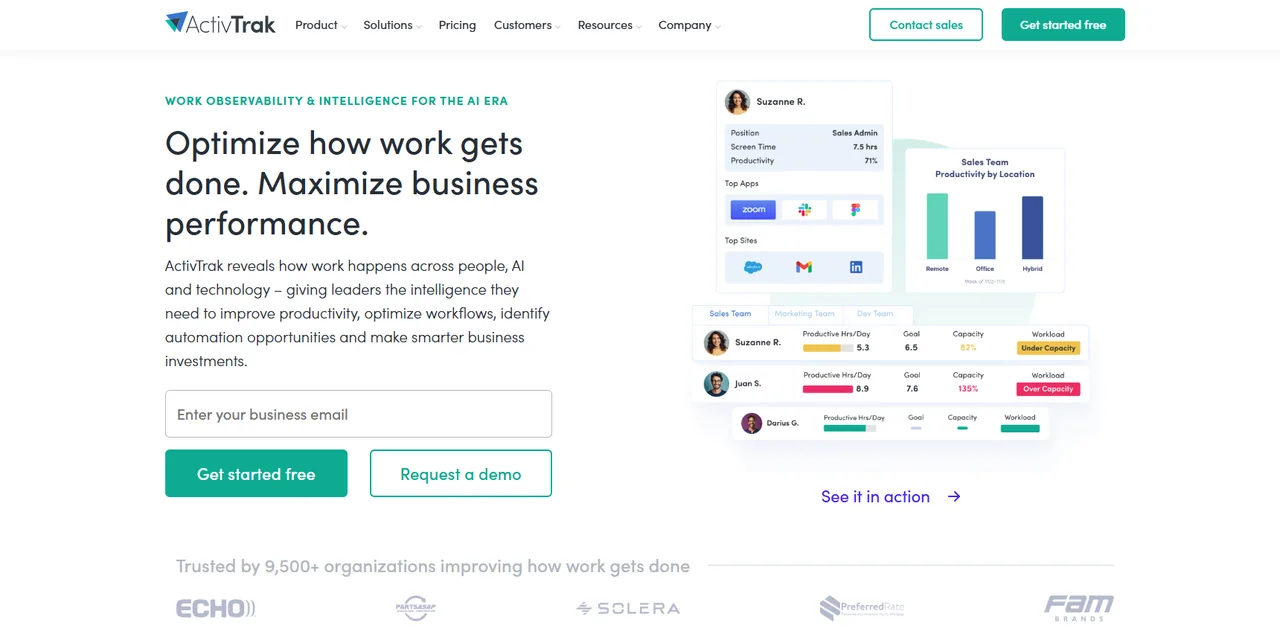
What it is
ActivTrak is productivity analytics first and monitoring second. The agent records which applications and websites are in use, how long they are active, and when the person is idle, and the platform turns that into productivity classifications, utilization and focus reports, schedule adherence and, on the higher plans, capacity and headcount planning and AI coaching suggestions. Screenshots are available but optional, and there is no keystroke logging at all, which is a design choice the company is open about. The free plan covers three people with 30 days of history and is the easiest way in this category to see what the data looks like.
Why it is on this list
ActivTrak leads this list because it answers the question most buyers actually have, which is where the team's time goes and whether the workload is sane, with the least collection needed to answer it. The free tier lets you see your own team's data for three people before spending anything, and the paid plans add the schedule adherence, capacity and coaching views that turn the data into a management conversation. It is the wrong tool for an investigation and says so; for everyday management it is the one I would start with.
Where it is strong
- A free plan for three people, which is the best way to see the data before buying
- Productivity, utilization and focus analytics that managers can act on without reading screenshots
- No keystroke logging and optional screenshots: the least invasive serious tool here
- Workforce planning, capacity and coaching features on the upper plans
Where it falls short
- No Linux agent and no keystroke logging, so it cannot serve investigations
- The useful features sit on the $15 and $17 plans; the $10 plan is thin
- Data retention of 6 to 12 months unless you pay for more
Hubstaff
Time, screenshots, GPS and payroll in one product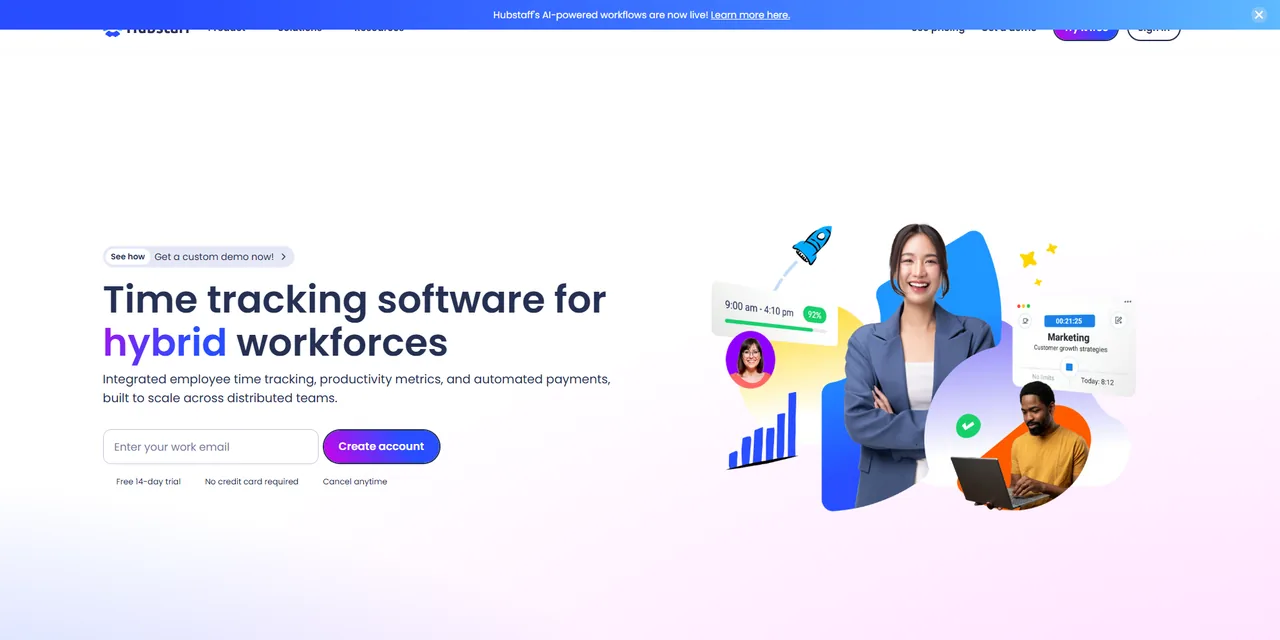
What it is
Hubstaff started as a time tracker for remote and distributed teams and still behaves like one: time is tracked against projects and tasks, activity levels are measured from keyboard and mouse input, optional screenshots are taken at a configurable interval, and the result flows into timesheets, payroll, invoices and client reports. It has GPS tracking and job sites for field teams, Chromebook and Linux agents alongside Windows and Mac, and the largest body of user reviews of any product here. Monitoring depth is deliberately moderate: activity percentages and screenshots, not keystrokes or screen video.
Why it is on this list
Hubstaff is here for the team that is paying people by the hour across locations and needs the time, the proof and the payment in one place. The screenshots and activity levels are the proof; the timesheets, payroll and invoicing are the payment; GPS covers the people who are not at a desk. Its breadth of platforms and its review volume make it the safe choice in that situation, with the caveat that activity percentages measure input, and teams that are judged on them learn to produce input.
Where it is strong
- Time tracking, screenshots, GPS, payroll and invoicing in one product
- Runs everywhere, including Linux and Chromebook, with mobile apps
- Over 2,300 verified reviews and a long track record with distributed teams
- Clear per-seat pricing with a cheap entry plan
Where it falls short
- Activity percentages reward mouse movement, not work, and people know it
- Two-seat minimum and add-ons on the lower plans
- Monitoring depth is modest by design; not a security tool
Teramind
The deepest capture and the only real DLP here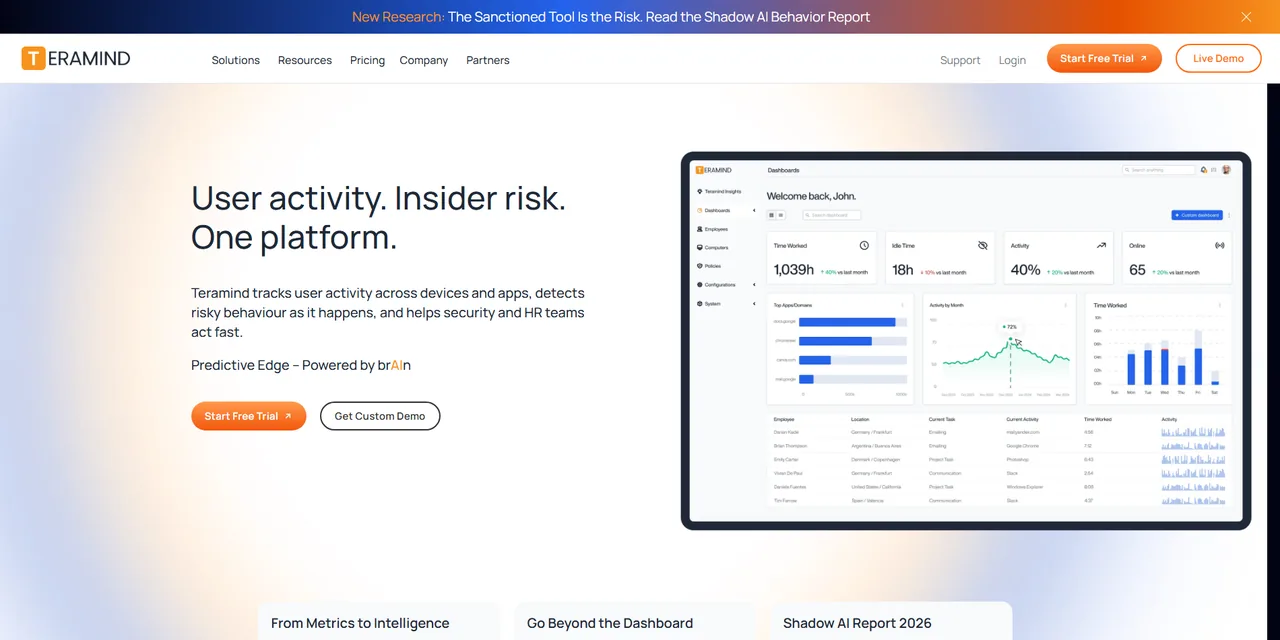
What it is
Teramind is the security end of this market. The Windows agent records screens as video, logs keystrokes, reads text on screen with OCR, tracks files, printing, email and chat, and runs a behavior rules engine that can alert, block or lock a session when a rule is tripped. The DLP plan adds content classification and data exfiltration controls. It deploys to the cloud, a private cloud or on-premise, offers revealed, standard and stealth agents, and is the product compliance and security teams reach for when the question is insider risk rather than productivity. Mac and Linux agents exist with reduced features.
Why it is on this list
Teramind is on the list for the buyer whose problem is risk, not productivity: regulated data, insider threats, a compliance team that needs to show what happened on a screen on a given afternoon. Nothing else here records, searches and blocks the way it does, and nothing else should be deployed without a written policy, notice and a retention limit, because it can collect everything. If the question is "are people working", it is the wrong tool and an expensive one.
Where it is strong
- The deepest capture in the category: screen video, keystrokes, OCR, files, email, chat
- Behavior rules that can block or lock, not just report
- DLP, private cloud and on-premise for regulated environments
- Revealed, standard and stealth agents for different policies
Where it falls short
- Five-seat minimum and the highest entry price here
- Mac and Linux agents lack many Windows features
- Capable of collecting far more than most employers should; needs policy discipline
Controlio
Recording and keystrokes at time-tracker prices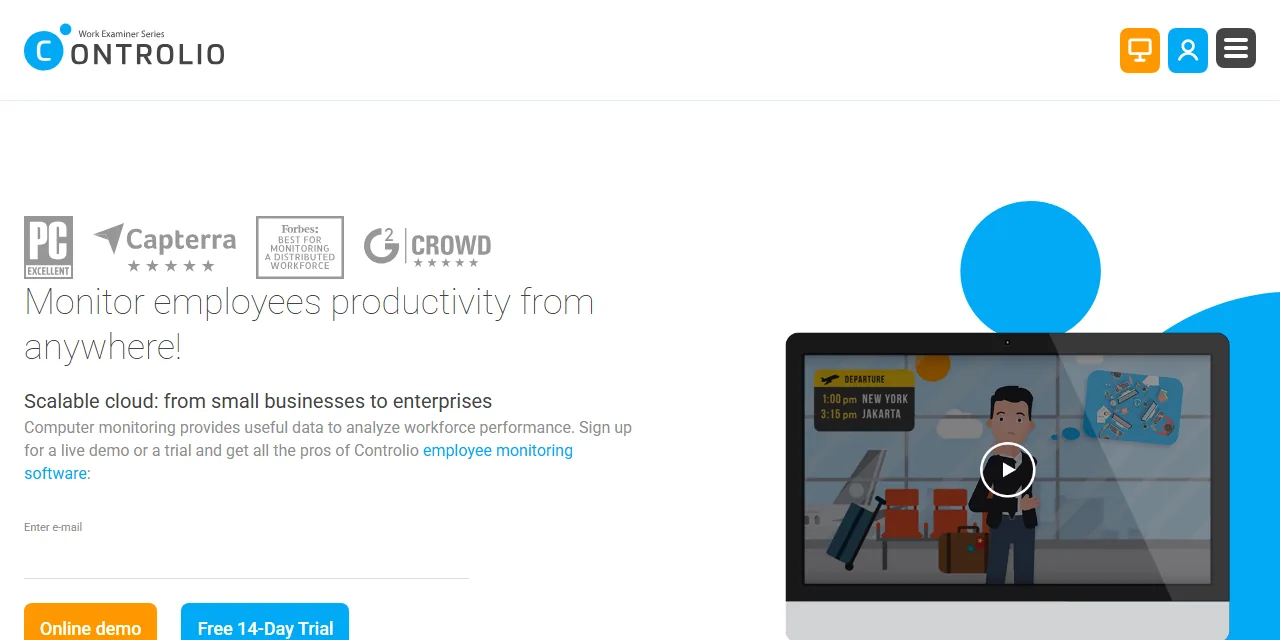
What it is
Controlio, from the company that made Work Examiner, is a cloud or on-premise monitoring tool with continuous screen recording, keystroke logging, application and website tracking, productivity scoring and a stealth mode, at a price closer to the time trackers than to Teramind. It is a straightforward product: a dashboard of what each person did, searchable recordings, and reports by user and department, without the workforce planning layer that ActivTrak and Insightful sell on top.
Why it is on this list
Controlio earns a place as the budget route to screen recording and keystroke capture for a Windows or Mac estate. It does the investigative job that ActivTrak declines to do, at a third of Teramind's price, without the rules engine, DLP or Linux coverage. Small companies with a specific concern, such as a department handling card data, choose it over the security suites they cannot justify.
Where it is strong
- Continuous screen recording and keystrokes at a mid-market price
- Cloud or on-premise
- Simple to deploy and read; little training needed
- Stealth mode where policy and law allow it
Where it falls short
- No Linux agent
- Continuous recording and keystrokes raise notice and consent obligations in several states
- Analytics are basic next to ActivTrak or Insightful
CurrentWare
Control and reporting in one suite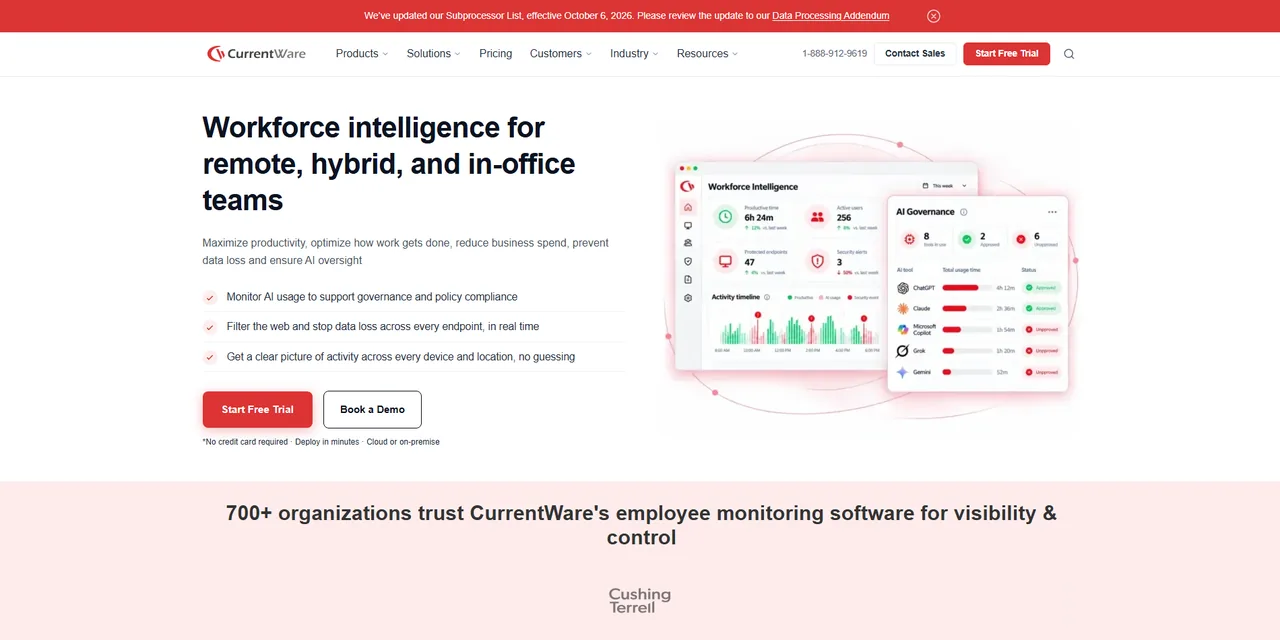
What it is
CurrentWare is a modular suite rather than a single monitoring product. BrowseReporter tracks web and application use with productivity reporting and optional screenshots, BrowseControl filters and blocks websites and applications, AccessPatrol controls USB and other peripherals with data loss alerts, and enPowerManager handles power and logon schedules. It runs on Windows and macOS, can be hosted on your own server or in CurrentWare's cloud, and is bought annually. The strength is control, blocking and USB policy alongside the reporting; the productivity analytics are simpler than the specialists'.
Why it is on this list
CurrentWare is the IT department's pick: it blocks as well as reports. Web filtering, USB lockdown and power management sit alongside activity reporting, and the data can stay on a server you own. It belongs on this list for the organization whose monitoring is a policy enforcement question rather than a management one.
Where it is strong
- Web and application blocking, USB control and reporting in one suite
- Your own server or their cloud; data stays where you put it
- Modules can be bought separately
- Strong fit for IT-led policy enforcement
Where it falls short
- Annual billing with a minimum around $1,440 a year
- Productivity analytics are simpler than the specialists'
- Suite pricing adds up if you only need reporting
DeskTime
The cheapest tool with scheduling built in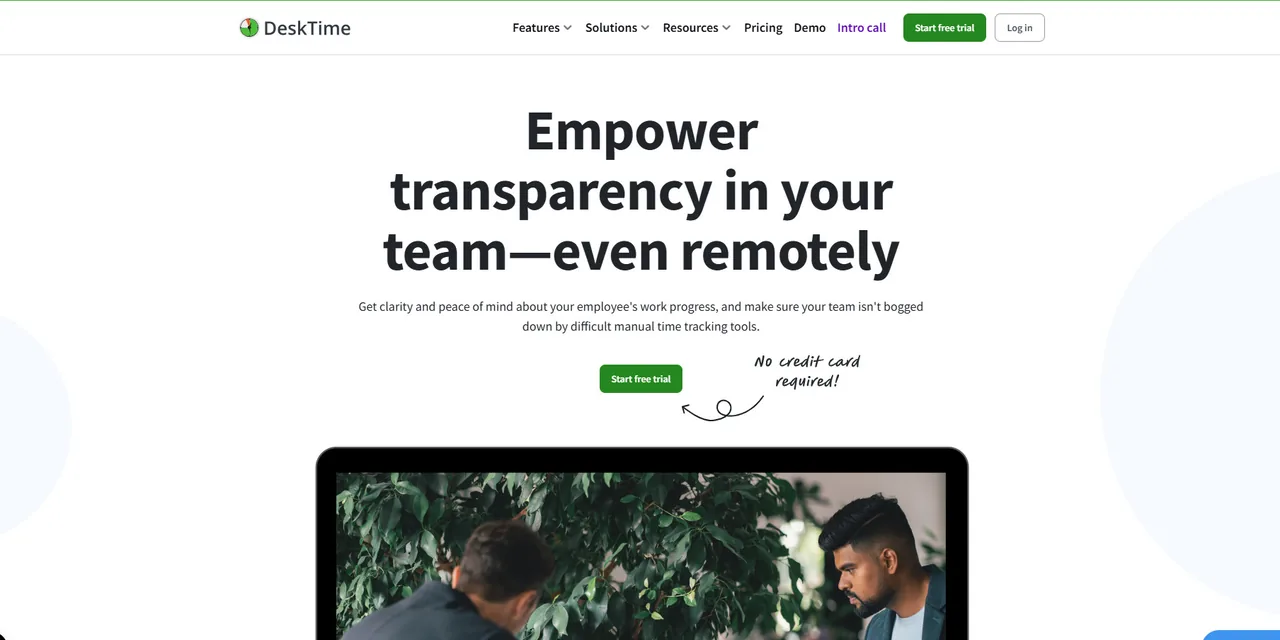
What it is
DeskTime is an automatic time tracker from Latvia that has been monitoring desktops since 2011. It tracks applications and URLs, classifies them as productive, unproductive or neutral per role, computes a productivity score, and adds project time tracking, an absence calendar, shift scheduling and, on the Premium plan, screenshots. A private time toggle lets people stop tracking for personal use. It is cheaper than most of the field, runs on Windows, Mac and Linux with mobile apps, and has a free single-user plan.
Why it is on this list
DeskTime makes the list as the tool with the most respect for the person being tracked at the lowest price: automatic tracking, a private time switch, no screenshots unless you pay for them and switch them on, plus shift scheduling and an absence calendar that small teams would otherwise buy separately. It is the sensible choice for a company that wants productivity data without a monitoring culture.
Where it is strong
- Automatic tracking with a private time toggle employees can use
- Shift scheduling and absence calendar built in
- Low price with a free single-user plan
- Windows, Mac, Linux and mobile apps
Where it falls short
- Screenshots only on Premium
- Productivity scoring is simple and needs tuning per role
- Reporting is lighter for large organizations
Insightful
Location-aware productivity analytics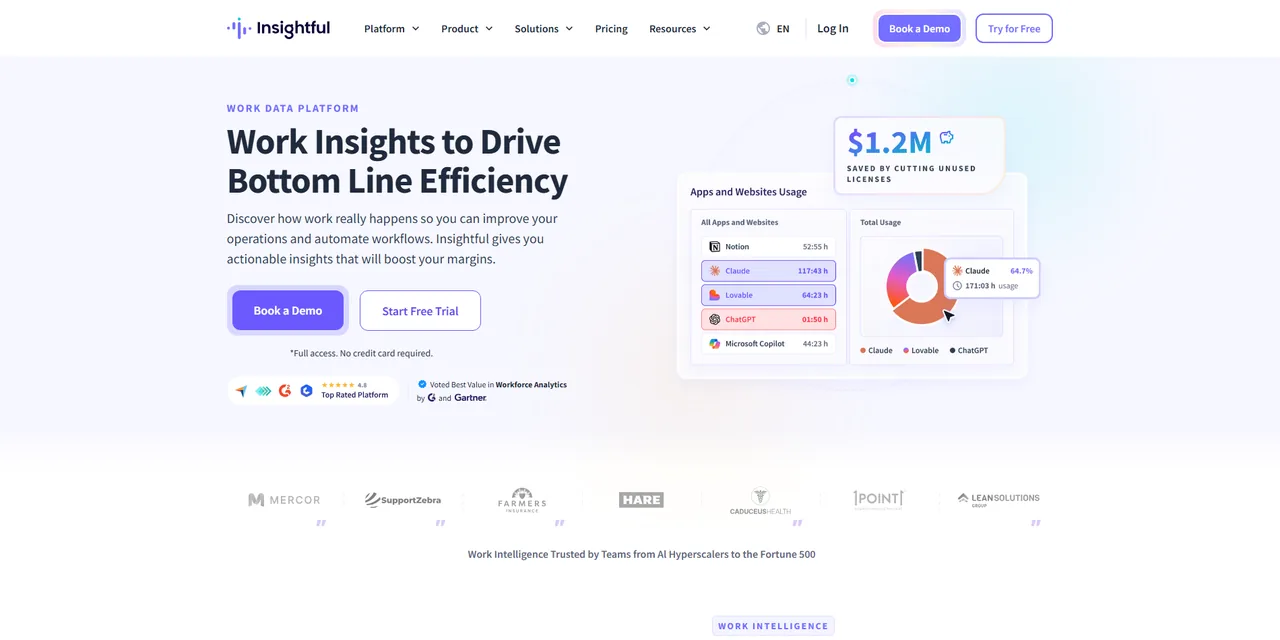
What it is
Insightful, formerly Workpuls, sits between the productivity analysts and the security tools. It tracks applications and websites, takes screenshots, measures active and idle time, classifies productivity by team, and reports utilization, capacity and work location (office, remote, hybrid). Screen recording, on-demand screenshots and a workspace security module are paid add-ons rather than defaults. It runs on Windows, Mac and Linux, offers on-premise deployment from 250 employees, keeps data for 24 months, and carries one of the highest review ratings in the category.
Why it is on this list
Insightful is here for the distributed knowledge team that wants ActivTrak-style analytics with better coverage of where people worked and the option to add recording when a case requires it. The work location insights separate office, remote and hybrid days without extra setup, the retention is long, and the Linux agent covers engineering teams the others miss.
Where it is strong
- Work location insights that separate office, remote and hybrid days
- Capacity and utilization reporting, with screen recording as an add-on rather than a default
- 24 months of retention and on-premise at scale
- Among the highest user ratings in the category
Where it falls short
- Screen recording and on-demand screenshots are $4 add-ons each
- Workflow Optimization is still in beta
- On-premise needs 250 employees
Kickidler
Live screen viewing at the lowest price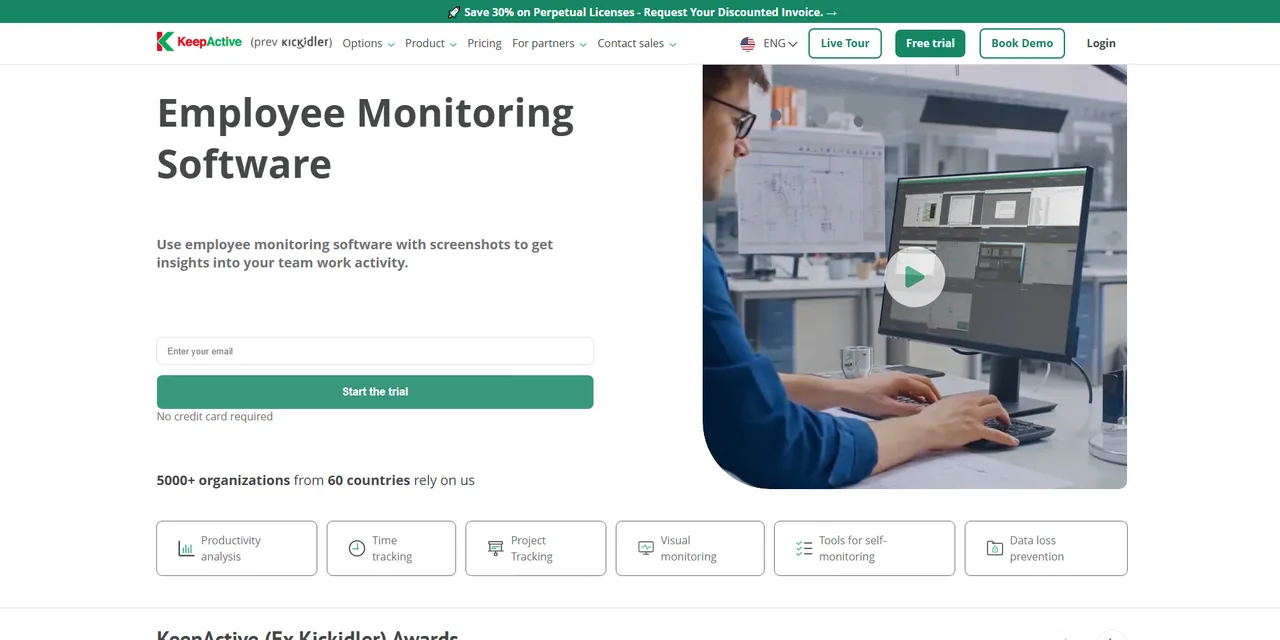
What it is
Kickidler is a low-cost monitoring tool whose distinguishing feature is live screen viewing: a manager can watch employee screens in real time in a grid, with video recording, keystroke logging, violation detection and remote control available in the full Employee Monitoring tier. A lighter Time Tracking tier drops the video and keystrokes for activity and productivity reports and an employee self-monitoring view. It runs on Windows, Mac and Linux, can be installed on-premise, and sells long-term and lifetime licenses that make it the cheapest serious option on a multi-year view.
Why it is on this list
Kickidler is on the list because of its price and its live view, which some operations environments, call centers and back offices among them, genuinely want. On a lifetime or long-term license it is the cheapest full monitoring suite here. It is also the one I would be most careful deploying: live viewing and remote control are intrusive, and the notice and consent requirements apply with full force.
Where it is strong
- The lowest cost here on a multi-year or lifetime license
- Live screen viewing of many employees at once
- Video recording, keystrokes and remote control in the full tier
- Windows, Mac and Linux, cloud or on-premise
Where it falls short
- Live viewing and remote control are intrusive and unlawful without notice in several states
- Interface and documentation lag the premium products
- Pricing varies by term and region; confirm in writing
Monitask
Quick, cheap and adjustable screenshots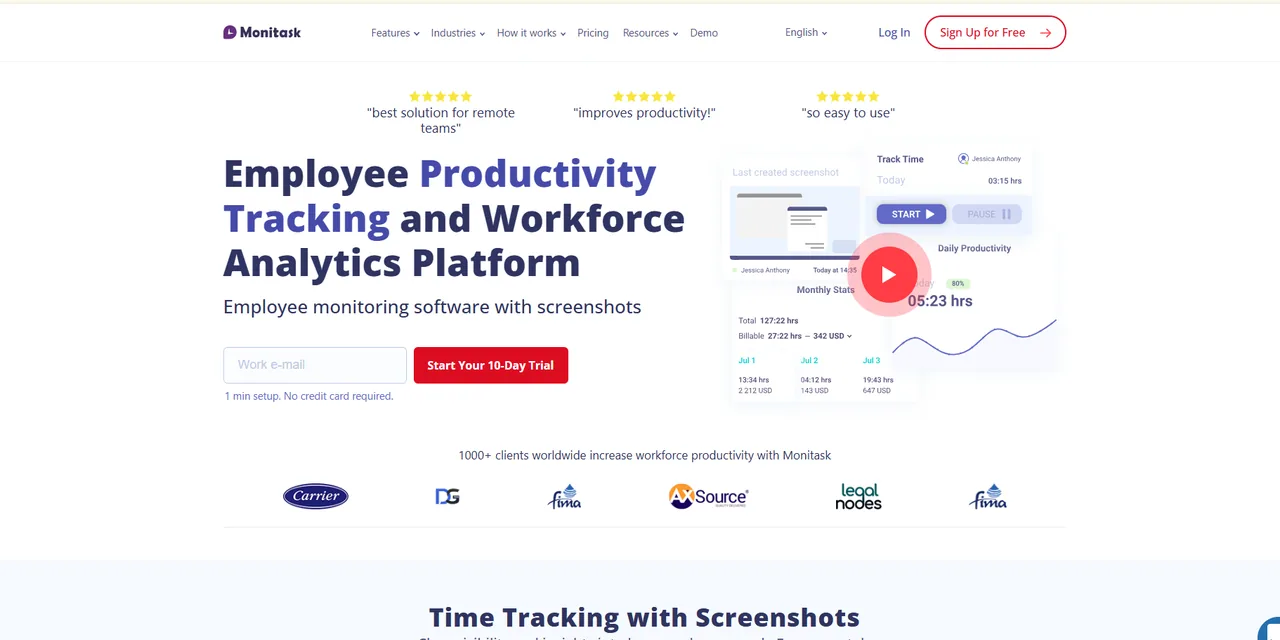
What it is
Monitask is a time tracker with monitoring attached, aimed at small teams and agencies that pay by the hour. It tracks time to projects and tasks, takes screenshots at a configurable rate (30 an hour by default, adjustable or off), measures activity from input, tracks applications and websites on the Business plan and full URLs and search queries on Business Premium, and produces timesheets and payroll exports. The agent can run visibly or in stealth mode. Data retention is short on the lower plans, one to two months, which matters for anyone who needs history.
Why it is on this list
Monitask is here for the agency or small team that bills by the hour and needs screenshots as proof of work without a long contract or a complicated product. It is cheap, quick, and lets each team set or disable screenshots. The short data retention on the main plans is the thing to check before choosing it for anything beyond billing.
Where it is strong
- Inexpensive and quick to set up for a small team or agency
- Screenshot frequency adjustable per team, or off
- Project time, timesheets and payroll exports
- Full URL and search query tracking on the top plan
Where it falls short
- Data kept for only one or two months on the main plans
- Website and app tracking only from the Business plan
- Not built for large organizations
Time Champ
Attendance, shifts and monitoring from $3.90 a seat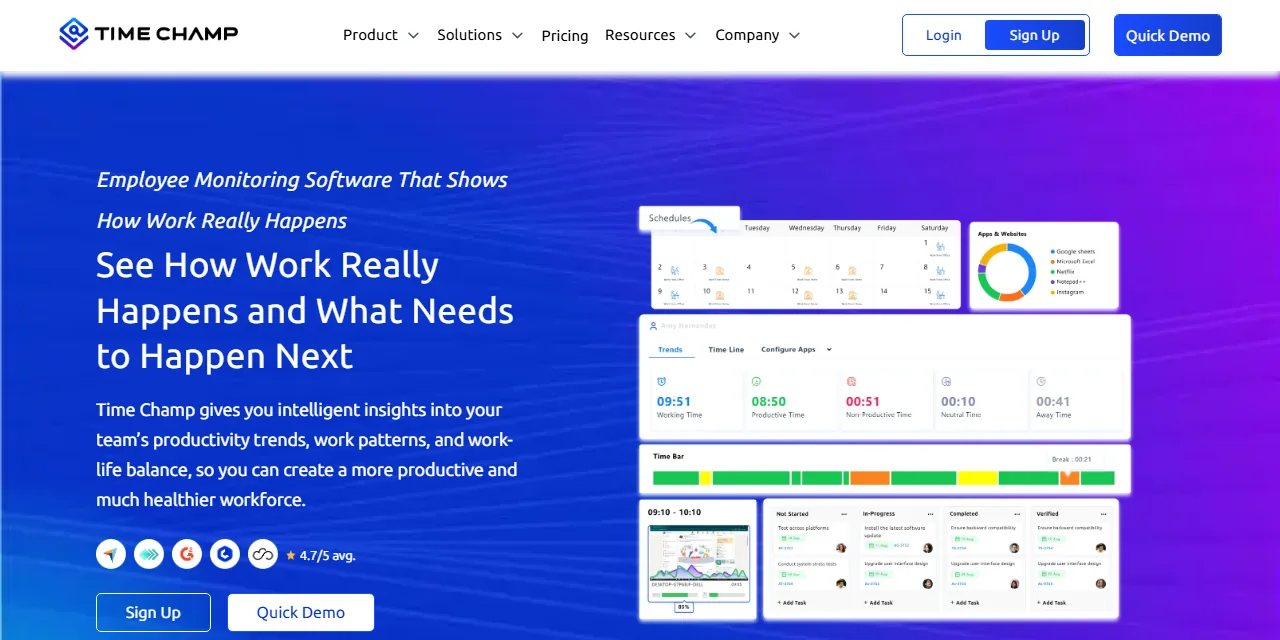
What it is
Time Champ combines attendance, time tracking and monitoring in one agent at a low per-seat price. The Starter plan covers automatic attendance, application and website tracking, productivity classification, timesheets and offline tracking; Professional adds silent tracking, screenshots at a configurable frequency, idle timeouts, multiple shifts and manager hierarchies; Enterprise adds live screen video, real-time alerts, suspicious activity detection, screenshot blurring and single sign-on. Screen recording, keystroke logging, project management, an HR module and DLP are add-ons. It runs on Windows, Mac and Linux with mobile apps for GPS, and the free trial needs no card.
Why it is on this list
Time Champ is on the list for the employer who needs attendance, shift management and monitoring in one agent and does not want to pay enterprise prices for it. The Starter plan is the cheapest route here to automatic attendance plus productivity classification, and the configurable screenshots, blurring and silent-or-visible choice on Professional give a policy team real options. It trails the leaders on history length and on the size of its review base, which the cards above and below state plainly.
Where it is strong
- Attendance, shifts and monitoring in one agent from $3.90 a seat
- Screenshot frequency, blurring and silent or visible tracking are all configurable
- Live screen view, real-time alerts and suspicious activity detection on Enterprise
- Windows, Mac and Linux with GPS for mobile teams
Where it falls short
- Detailed activity history is short on Professional; longer history means Enterprise
- Screen recording, keylogging and DLP are paid add-ons
- A younger vendor with a smaller review base than the leaders
Time Doctor
Remote-team time tracking with work-life balance reporting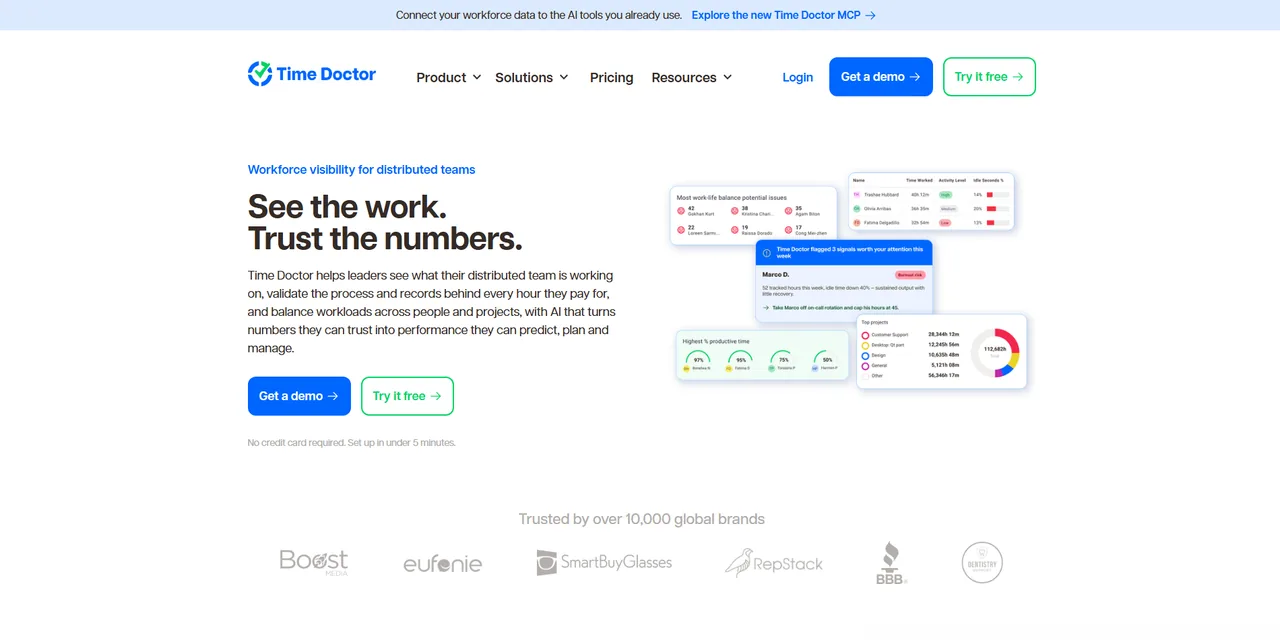
What it is
Time Doctor is a time tracker built for remote teams and outsourcing companies, with monitoring layered on. It tracks time against projects and tasks, takes optional screenshots, records web and application use, and reports on attendance, breaks, idle time and, distinctively, work-life balance signals such as late hours and long days. The Standard plan adds payroll and 60-plus integrations; Premium adds screen video, two years of history and executive dashboards. An Office versus Remote report compares the two groups directly. Agents run on Windows, Mac, Linux, Chromebook and Android.
Why it is on this list
Time Doctor is on the list for remote and outsourced teams, where it has been the default for a decade. Its work-life balance reporting, which flags late hours and long days rather than just idle time, is the most employee-protective feature in this category, and the Office versus Remote report is unique. The payroll and integrations that most teams need start on the Standard plan, which is the real price.
Where it is strong
- Built for remote and outsourced teams, with payroll and 60-plus integrations
- Work-life balance and Office versus Remote reporting
- Screen video and two years of history on Premium
- Chromebook and Android agents alongside the desktop platforms
Where it falls short
- Integrations and payroll start at the $11.70 Standard plan
- Screenshots and activity scoring draw the usual objections from staff
- Interface shows its age in places
Veriato
Behavior-based risk scoring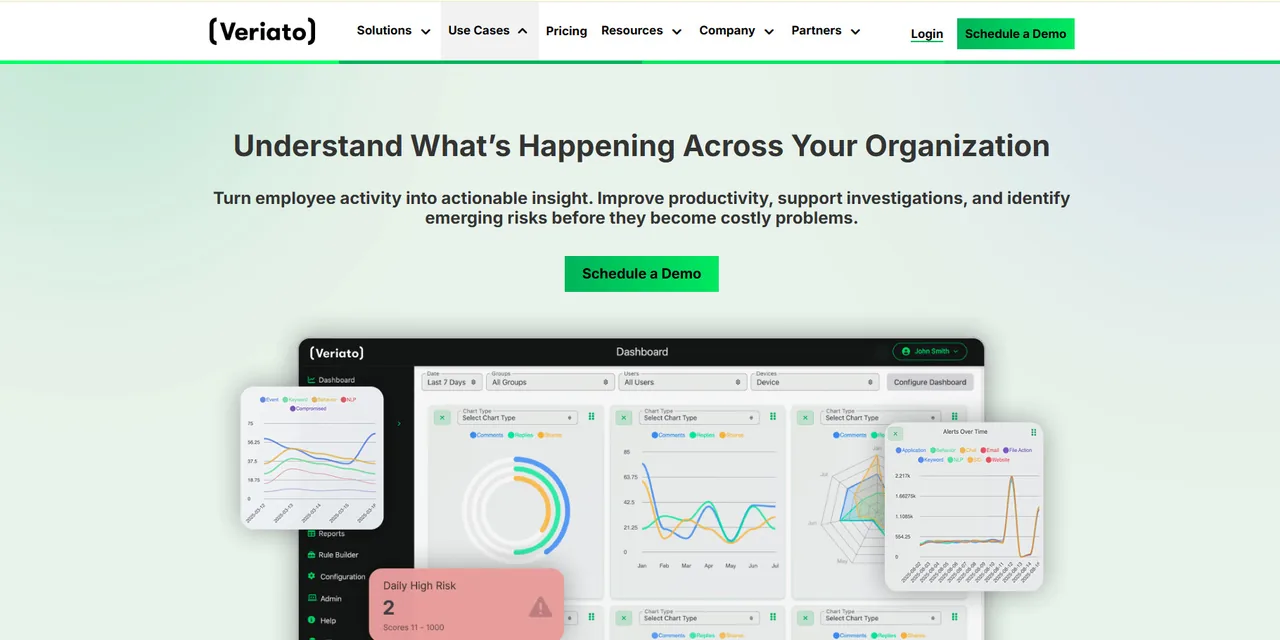
What it is
Veriato is an insider risk product. Its user activity monitoring collects email, chat, websites, applications, screenshots, logins, idle time, file activity, network activity and keystrokes, scores productivity, and alerts on configurable rules; the Insider Risk Management tier adds AI behavior baselining, risk scoring by user and group and sentiment analysis. It deploys to the cloud or on-premise, runs on Windows, Mac, Chromebook and Android, and is priced and sold for security and compliance teams rather than line managers.
Why it is on this list
Veriato closes the list as the other security tool, with a different emphasis from Teramind: risk scoring and behavior baselining rather than real-time blocking. It suits an insider risk program with a security team to run it, and almost nobody else.
Where it is strong
- Insider risk scoring and behavior baselining
- Comprehensive capture including email and chat
- Cloud or on-premise, with Chromebook and Android coverage
- Built for security and compliance teams
Where it falls short
- Five-user minimum and $18 a seat; the risk tier is quote-only with a 20-user floor
- Overkill for a productivity question
- No Linux agent
Three kinds of tool sold under one name
Productivity analytics (ActivTrak, Insightful, DeskTime) answers "where does the time go": application and website use, active and idle time, utilization, focus and workload, with screenshots optional or absent and no keystrokes. It is the right kind for a manager who wants to run a team better and the wrong kind for an investigation. Time trackers with monitoring (Hubstaff, Time Doctor, Monitask, Time Champ) start from hours worked against projects, add screenshots and activity as proof of work, and flow into timesheets and payroll; they suit hourly, remote and outsourced teams. Security and insider risk tools (Teramind, Veriato, and in part Controlio, CurrentWare and Kickidler) record screens, keystrokes, files and communications, run rules, and block; they suit regulated data and security teams, and they are the tools the word bossware was coined for. Decide which kind you need before comparing features within it; the how monitoring works guide explains what each layer actually captures.
The law in one paragraph
Monitoring company devices and accounts is lawful across the United States, with notice laws in New York, Connecticut and Delaware, all-party consent rules for audio in about a dozen states, limits under the National Labor Relations Act on monitoring that chills discussion of working conditions, and biometric and privacy statutes in Illinois and California. Every tool on this page can be configured lawfully and most can be configured unlawfully. The monitoring laws by state page has the rules, the policy template and consent form are the documents, and the privacy line page lists what should not be collected whatever the law allows.
How to run your own evaluation
- Write the decision first. What will you do differently with the data? If the honest answer is "see whether people are working", read what to measure first; output measures answer that question better and cheaper.
- Trial on your own team, visibly. Two tools, two weeks, with the people tracked told what is collected and able to see their own data. A trial run secretly on a few people tells you nothing about how the tool will land.
- Turn off everything you do not need. Screenshots off, or blurred; keystrokes off; recording off. Then ask whether the remaining data answers the decision. Usually it does.
- Price it at your headcount with minimums and add-ons. A $4.99 plan with a two-seat minimum and a $4 add-on is not $4.99. The small-business page in this series has a calculator for that.
- Check retention and export. How long is data kept, can you shorten it, and can you get it out. Short retention protects employees; it also limits investigations.
- Write the policy before go-live. The policy template and how to write one employees will sign cover it. In New York, Connecticut and Delaware the notice is a legal requirement.
When not to monitor
Monitoring is the wrong answer when the problem is a manager who cannot describe what good output looks like, when the team is salaried knowledge workers whose output is visible in the work itself, when trust is already low and the tool will be read as an accusation, and when the data would feed automatic decisions about pay or discipline. The monitoring statistics page has the survey data on how employees respond, the ethical monitoring playbook sets out a design that holds up, and the mouse jiggler page shows what happens to activity metrics once people are judged on them.
Price per seat at 10, 25 and 100 people
| Tool and entry plan | 10 people | 25 people | 100 people | Note |
|---|---|---|---|---|
| Kickidler Time Tracking (approx. $2.75) | $27.50 | $68.75 | $275 | Varies by term; lifetime licenses lower it further |
| Time Champ Starter ($3.90) | $39.00 | $97.50 | $390 | Professional at $6.90 is the plan with screenshots |
| Hubstaff Starter ($4.99) | $49.90 | $124.75 | $499 | Two-seat minimum |
| DeskTime Pro ($6.42) | $64.20 | $160.50 | $642 | Screenshots on Premium at $9.17 |
| Monitask Pro ($6.49) | $64.90 | $162.25 | $649 | Website tracking on Business at $8.99 |
| Controlio Basic ($6.67) | $66.70 | $166.75 | $667 | Enterprise by quote at scale |
| Time Doctor Basic ($6.70) | $67.00 | $167.50 | $670 | Most teams need Standard at $11.70 |
| Insightful Workforce Analytics ($8) | $80.00 | $200.00 | $800 | Recording $4 add-on |
| ActivTrak Work Activity Tracking ($10) | $100.00 | $250.00 | $1,000 | Free for 3; fuller plan $15 |
| CurrentWare BrowseReporter ($12) | $120.00 | $300.00 | $1,200 | Annual minimum about $1,440 |
| Teramind Starter ($14) | $140.00 | $350.00 | $1,400 | Five-seat minimum; UAM $28, DLP $32 |
| Veriato UAM ($18) | $180.00 | $450.00 | $1,800 | Five-user minimum |
Monthly totals on annual billing at the entry plan, October 2026 prices. The gap between the cheapest and the most expensive is roughly six to one at every size, and the gap between an entry plan and the plan most teams end up on is usually larger than the gap between vendors. The small business page has a calculator that applies the minimums at any headcount.
How these tools were evaluated
I evaluated each tool against the same checklist: what it captures and how configurable that is, which platforms it runs on, how it treats the employee (visible or silent agent, access to their own data, screenshot blurring and private time), what the published pricing is and what the minimum commitment really costs, how long data is kept, where it can be deployed, and what the vendor's own documentation and verified user reviews say about reliability and support. Pricing was taken from each vendor's pricing page in October 2026; where a vendor publishes no price, the page says so rather than guessing. Free plans and trials were used where they exist. I did not run a formal benchmark, and the page does not claim one.
Disclosure. I have done work for Time Champ. It appears here because it belongs in this category, it is held to the same criteria as every other product, its drawbacks are listed like everyone else's, and it bought no placement. There are no affiliate or vendor links on this page.
Key takeaways
- Decide which kind of tool you need first: productivity analytics, a time tracker with monitoring, or a security tool. Features only compare within a kind.
- ActivTrak for the most useful data with the least intrusion; Hubstaff for hourly and distributed teams; Teramind when the problem is security.
- Entry prices in October 2026 run from about $2.75 (Kickidler) and $3.90 (Time Champ) to $18 (Veriato); minimums and add-ons move the real cost more than the tier.
- Every tool can be configured lawfully and most can be configured unlawfully; notice laws apply in New York, Connecticut and Delaware.
- Trial visibly on your own team, switch off what you do not need, and write the policy before go-live.
Frequently asked questions
What is the best employee monitoring software?
It depends on the question you are trying to answer. ActivTrak is the best starting point for productivity and workload analytics with minimal intrusion; Hubstaff for hourly and distributed teams that need time, screenshots and payroll together; Teramind for security, insider risk and data loss prevention. Time Champ and DeskTime are the value choices; Insightful and Time Doctor suit hybrid and remote teams. The chooser on this page shortlists three from those rules.
How much does employee monitoring software cost?
Published entry prices in October 2026 range from about $2.75 to $5 per user per month (Kickidler, Time Champ, Hubstaff) through $6 to $10 (DeskTime, Monitask, Controlio, Time Doctor, Insightful, ActivTrak) to $14 to $18 (Teramind, Veriato). Minimum seat counts, annual billing and add-ons for screenshots, recording or longer retention change the total, often by more than the tier difference.
Is employee monitoring software legal?
Monitoring company-owned devices and accounts is lawful across the United States. New York, Connecticut and Delaware require written notice; about a dozen states require all-party consent to record audio; the National Labor Relations Act limits monitoring that chills discussion of working conditions; Illinois and California add biometric and privacy rules. Monitoring personal devices or accounts without consent is not lawful.
Can employee monitoring software see everything on my computer?
On a company-managed device, the security tools (Teramind, Veriato, Controlio, Kickidler) can record the screen, keystrokes, files and communications. The productivity tools (ActivTrak, Insightful, DeskTime) record application and website use, activity and optionally screenshots, and ActivTrak logs no keystrokes at all. On a personal device with nothing installed, none of them see anything.
What is the least invasive employee monitoring software?
ActivTrak and DeskTime: both measure application and website use and activity, neither logs keystrokes, screenshots are optional (DeskTime only on Premium), and DeskTime gives employees a private-time switch. Insightful and Time Champ can be configured similarly, with screenshots off or blurred.
Does employee monitoring improve productivity?
The evidence is mixed. Visibility into workload and time allocation helps managers rebalance work and cut meetings; activity scoring tends to produce the appearance of activity rather than output, and surveys show it damages trust. Tools used for workload analytics with transparent policies do better than tools used to score individuals. The monitoring statistics page on this site has the survey data.
Which employee monitoring software works on Mac and Linux?
Hubstaff, DeskTime, Insightful, Kickidler, Monitask, Time Champ and Time Doctor run on Windows, macOS and Linux. ActivTrak covers Windows, Mac and Chromebook but not Linux. Controlio and CurrentWare cover Windows and Mac. Teramind's Mac and Linux agents exist but with fewer features than Windows. Veriato covers Windows, Mac, Chromebook and Android.